Base64 Encoder / Decoder
Encode text into Base64 or decode Base64 back into readable text instantly.
Enter some text and click Encode to Base64.
How to Use the Base64 Encoder / Decoder
Choose Encode to convert normal text into Base64, or choose Decode to convert Base64 data back into readable text. The conversion happens directly in your browser.
Table of Contents
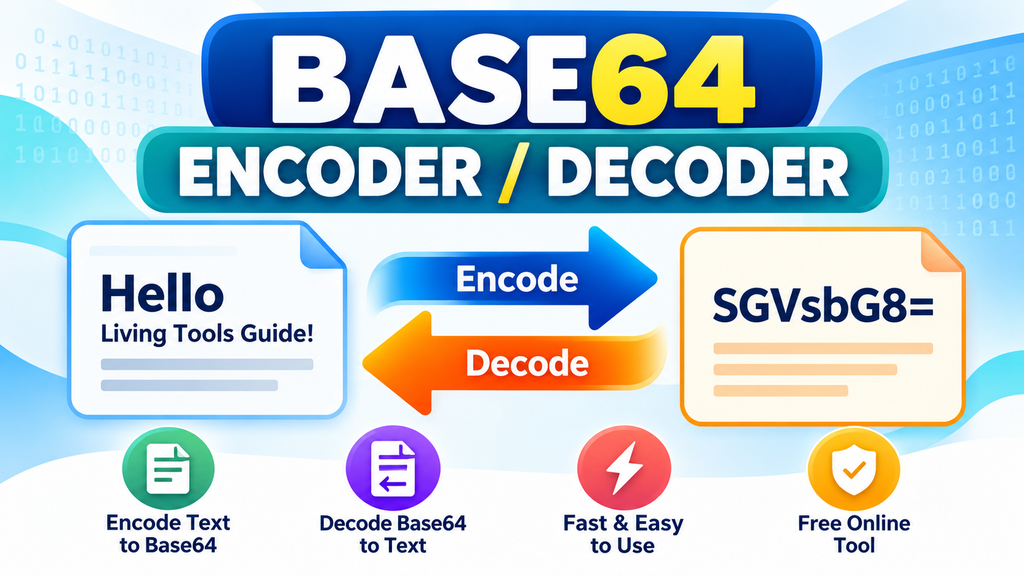
Base64 Encoder Decoder – Encode and Decode Text Online
Our free Base64 Encoder Decoder helps you convert ordinary text into Base64 format and decode Base64 strings back into readable text. This convenient online utility is useful for developers, students, programmers, and anyone working with encoded data.
Whether you need to encode a short message, understand a Base64 string, or test a text conversion, this tool provides a simple way to work with Base64 encoding.
What Is Base64 Encoding?
Base64 is a method of representing binary data using a set of 64 printable characters. It is commonly used when information needs to be transferred through systems designed to handle text.
The Base64 character set includes uppercase letters, lowercase letters, numbers, and two additional symbols: + and /.
The equals sign (=) may appear at the end of an encoded string as padding.
Base64 is an encoding format, not an encryption method. Encoded information can be decoded without a secret key.
How Does the Base64 Encoder Decoder Work?
The Base64 Encoder Decoder performs two main functions.
Encode Text to Base64
Encoding converts ordinary text into a Base64 representation.
For example:
Original text: Hello
Base64 result: SGVsbG8=
The encoded result may look unfamiliar, but it represents the original text.
Decode Base64 to Text
Decoding reverses the encoding process and converts a valid Base64 string into its original data.
For example:
Base64 input: SGVsbG8=
Decoded text: Hello
These conversions are useful when testing data formats and examining text-based information.
How to Use Our Base64 Encoder Decoder
Follow these simple steps to convert text.
Step 1: Enter Your Text
Type or paste the text you want to encode into the input box.
If you want to decode an existing Base64 string, paste that encoded text instead.
Step 2: Select Encode or Decode
Choose the appropriate conversion option.
Use Encode to transform readable text into Base64.
Use Decode to convert a valid Base64 string back into readable text.
Review the output and copy the result when needed.
Base64 Encoding Examples
Here are several examples of text and its corresponding Base64 representation.
| Original Text | Base64 Result |
|---|---|
| Hello | SGVsbG8= |
| Test | VGVzdA== |
| Cat | Q2F0 |
| ABC | QUJD |
| 123 | MTIz |
These examples demonstrate how ordinary text can be represented using Base64 characters.
The encoded output is generally longer than the original data because Base64 represents every three bytes using four characters, with padding when necessary.
Where Is Base64 Encoding Used?
Web Development
Developers encounter Base64 when working with data URLs, application data, and certain web technologies.
Email Attachments
Base64 is used in MIME email systems to represent binary attachment data in a text-compatible format.
API Development
Some APIs use Base64 to represent binary values or encoded credentials within particular protocols.
However, Base64 alone does not provide security or protect sensitive information.
Data Transfer
Base64 can help represent binary information in environments that require printable text characters.
Programming and Testing
Developers use encoding and decoding utilities to inspect data, troubleshoot formatting issues, and verify conversion results.
Base64 Encoding vs. Encryption
It is important to understand the difference between encoding and encryption.
Encoding changes the representation of information so that it can be stored or transmitted in a particular format.
Encryption protects information using a cryptographic algorithm and a key.
Base64 does not hide information securely. Anyone with a compatible decoder can recover the original data.
Never rely on Base64 alone to protect passwords, financial information, private messages, or other confidential data.
Common Base64 Encoding Mistakes
Using Invalid Characters
Standard Base64 strings use a defined character set. Unexpected characters may cause decoding errors.
Missing Padding
Some Base64 formats omit padding, but certain decoders require it. A string with missing padding may need adjustment before decoding.
Confusing Text and Binary Data
Base64 can represent arbitrary bytes, but decoded bytes are not always readable text.
Expecting Smaller Files
Base64 normally increases the size of the encoded representation. It is not a compression method.
Assuming Encoded Data Is Secure
Encoded text is not encrypted. Use appropriate security methods when protecting sensitive information.
Frequently Asked Questions
Is Base64 encoding free?
Yes. You can use our online utility to perform supported text encoding and decoding operations without a paid subscription.
Can Base64 be decoded?
Yes. A valid Base64 string can be decoded to recover the original bytes. If those bytes represent text in a supported character encoding, the text can be displayed.
Is Base64 the same as encryption?
No. Base64 is an encoding format and does not provide confidentiality.
Why does Base64 sometimes end with an equals sign?
The equals sign is used as padding in standard Base64 to complete the encoded representation when the original byte count is not divisible by three.
Can I encode numbers and symbols?
Yes. Numbers, punctuation, and other text characters can be encoded, provided the tool supports their character encoding.
Why is my decoded output unreadable?
The original data may contain binary information rather than text, or the string may be invalid or use a different encoding variation.
Need to change text formatting before encoding? Try our Text Case Converter to convert text into uppercase, lowercase, title case, and more.
For a technical explanation of Base64 encoding and how it represents binary data as text, read the Base64 documentation on MDN Web Docs.
Final Thoughts
Base64 encoding is a practical way to represent data in a text-compatible format. Understanding how it works can be helpful when working with websites, APIs, email systems, and programming projects.
Use our Base64 Encoder Decoder to convert supported text quickly and learn more about common data encoding methods.